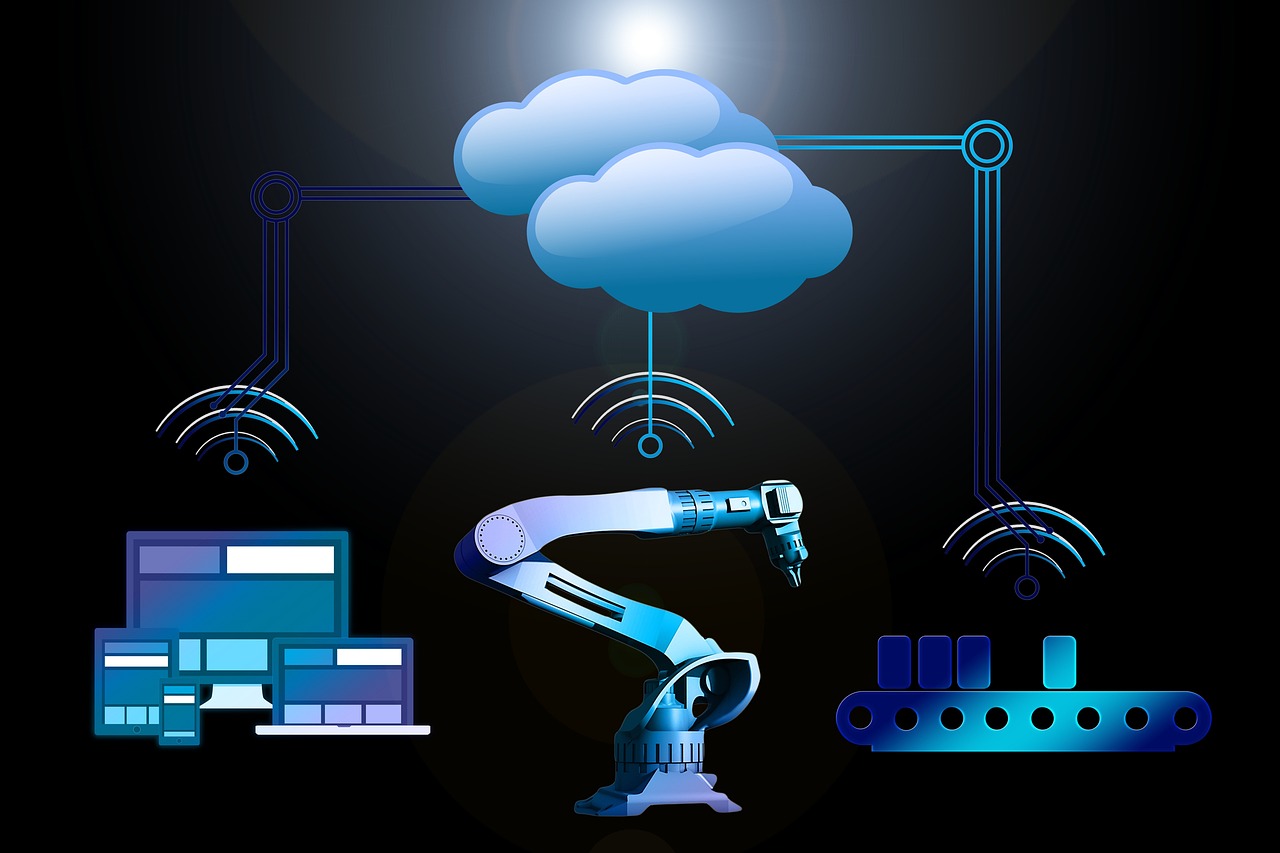
Coordinate Manufacturing Process Agents with AutoGen and Microsoft Agent 365
Coordinate Manufacturing Process Agents with AutoGen and Microsoft Agent 365 connects advanced AI agents to streamline production workflows and optimize resource allocation. This integration enhances operational efficiency by providing real-time insights and automating decision-making processes across manufacturing environments.
Glossary Tree
An in-depth exploration of the technical hierarchy and ecosystem for integrating Manufacturing Process Agents with AutoGen and Microsoft Agent 365.
Protocol Layer
Microsoft Graph API
A unified API endpoint for accessing Microsoft 365 services, crucial for agent coordination.
OAuth 2.0 Authorization
Industry-standard protocol for secure authorization, allowing agent access to resources without sharing credentials.
RESTful Communication
Stateless communication protocol using standard HTTP methods, enabling inter-agent interactions in a scalable manner.
WebSocket Transport Protocol
A protocol providing full-duplex communication channels over a single TCP connection for real-time data exchange.
Data Engineering
Real-Time Data Processing with AutoGen
Utilizes AutoGen for real-time data processing, ensuring timely insights for manufacturing decisions.
Indexing with Azure Cosmos DB
Employs Azure Cosmos DB for efficient data indexing, enhancing query performance across manufacturing processes.
Data Encryption and Access Control
Implements data encryption and role-based access control for secure data handling in Microsoft Agent 365.
Transactional Integrity in Manufacturing Data
Ensures transactional integrity using ACID properties within the manufacturing data architecture.
AI Reasoning
Multi-Agent Coordination Algorithm
A framework for synchronizing manufacturing agents, optimizing workflows through real-time data sharing and decision-making.
Enhanced Prompt Engineering
Utilizing tailored prompts to guide auto-generated outputs, ensuring relevance and precision in agent responses.
Hallucination Mitigation Strategies
Techniques to validate agent responses, reducing inaccuracies and ensuring reliability in automated processes.
Dynamic Reasoning Chains
Logical sequences that enable agents to adaptively reason through complex manufacturing scenarios in real-time.
Maturity Radar v2.0
Multi-dimensional analysis of deployment readiness.
Technical Pulse
Real-time ecosystem updates and optimizations.
AutoGen SDK for Manufacturing Processes
Integrates AutoGen SDK with Microsoft Agent 365 for seamless automation of manufacturing workflows, utilizing RESTful APIs to enhance agent communication and data exchange.
Hybrid Cloud Architecture Integration
Implements a hybrid cloud architecture, allowing AutoGen and Microsoft Agent 365 to communicate via MQTT for real-time data synchronization and scalable resource management.
Enhanced OIDC Authentication Implementation
Introduces enhanced OIDC authentication for Microsoft Agent 365, ensuring secure access control and compliance with industry standards for manufacturing process agents.
Pre-Requisites for Developers
Before deploying Coordinate Manufacturing Process Agents with AutoGen and Microsoft Agent 365, ensure that your data architecture and orchestration capabilities meet enterprise standards for scalability and security.
System Requirements
Foundation for Efficient Agent Coordination
Normalized Schemas
Implement 3NF normalized schemas to reduce redundancy and ensure data integrity for effective agent communication.
Connection Pooling
Configure connection pooling to manage database connections efficiently, reducing latency and improving response times.
Authentication Mechanisms
Establish robust authentication mechanisms to prevent unauthorized access and ensure secure interactions between agents.
Load Balancing
Implement load balancing strategies to distribute traffic evenly across agents, ensuring high availability and performance under load.
Critical Challenges
Common Issues in Manufacturing Coordination
bug_report Integration Errors
Integration failures can occur due to mismatched APIs or incorrect configurations, leading to communication breakdowns between agents.
error Data Drift
Data drift can lead to outdated agent models, resulting in inaccurate predictions and inefficiencies in the manufacturing process.
How to Implement
code Code Implementation
manufacturing_process.py
"""
Production implementation for coordinating manufacturing process agents using AutoGen and Microsoft Agent 365.
Provides secure, scalable operations to manage agent interactions.
"""

from typing import Dict, Any, List, Optional
import os
import logging
import requests
from requests.adapters import HTTPAdapter
from requests.packages.urllib3.util import Retry

# Configure logging for the application
logging.basicConfig(level=logging.INFO)
logger = logging.getLogger(__name__)

class Config:
    """Configuration class to manage environment variables."""
    database_url: str = os.getenv('DATABASE_URL', 'sqlite:///manufacturing.db')
    retry_attempts: int = int(os.getenv('RETRY_ATTEMPTS', 3))
    timeout: int = int(os.getenv('API_TIMEOUT', 5))

# Setup HTTP session with retry logic
session = requests.Session()
retry = Retry(
    total=Config.retry_attempts,
    backoff_factor=1,
    status_forcelist=[500, 502, 503, 504]
)
adapter = HTTPAdapter(max_retries=retry)
session.mount('http://', adapter)
session.mount('https://', adapter)

async def validate_input(data: Dict[str, Any]) -> bool:
    """Validate input data for manufacturing agents.

    Args:
        data: Input data to validate
    Returns:
        True if valid
    Raises:
        ValueError: If validation fails
    """
    if 'agent_id' not in data or not isinstance(data['agent_id'], str):
        raise ValueError('Missing or invalid agent_id')
    if 'process_data' not in data:
        raise ValueError('Missing process_data')
    return True

async def sanitize_fields(data: Dict[str, Any]) -> Dict[str, Any]:
    """Sanitize input fields to prevent injection attacks.

    Args:
        data: Input data to sanitize
    Returns:
        Sanitized data
    """
    return {k: str(v).strip() for k, v in data.items()}

async def normalize_data(data: Dict[str, Any]) -> Dict[str, Any]:
    """Transform input data into a normalized format.

    Args:
        data: Input data to normalize
    Returns:
        Normalized data
    """
    return {
        'agent_id': data['agent_id'].lower(),  # Normalize agent ID to lowercase
        'process_data': data['process_data'],
    }

async def fetch_data(endpoint: str) -> Dict[str, Any]:
    """Fetch data from a specified endpoint.

    Args:
        endpoint: URL of the endpoint
    Returns:
        JSON response from the API
    Raises:
        Exception: If the request fails
    """
    try:
        response = session.get(endpoint, timeout=Config.timeout)
        response.raise_for_status()
        return response.json()
    except requests.RequestException as e:
        logger.error(f'Error fetching data from {endpoint}: {e}')
        raise Exception('Failed to fetch data')

async def save_to_db(data: Dict[str, Any]) -> bool:
    """Save processed data to the database.

    Args:
        data: Data to save
    Returns:
        True if save is successful
    Raises:
        Exception: If the saving fails
    """
    # Simulated database save operation
    logger.info(f'Saving data to database: {data}')
    return True  # Here you would implement actual DB logic

async def process_batch(data: List[Dict[str, Any]]) -> List[Dict[str, Any]]:
    """Process a batch of manufacturing data.

    Args:
        data: List of input data
    Returns:
        List of processed data
    Raises:
        Exception: If processing fails
    """
    processed_data = []
    for record in data:
        try:
            await validate_input(record)
            sanitized = await sanitize_fields(record)
            normalized = await normalize_data(sanitized)
            # Simulate processing logic
            processed_data.append(normalized)
        except ValueError as e:
            logger.warning(f'Validation error: {e}')
    return processed_data

async def aggregate_metrics(data: List[Dict[str, Any]]) -> Dict[str, Any]:
    """Aggregate metrics from processed data.

    Args:
        data: List of processed data
    Returns:
        Aggregated metrics
    """
    metrics = {'total': len(data)}
    # Add more metrics as needed
    return metrics

class ManufacturingAgentCoordinator:
    """Main orchestrator for coordinating manufacturing agents."""
    def __init__(self, endpoints: List[str]):
        self.endpoints = endpoints

    async def run(self) -> None:
        """Execute the main workflow for agent coordination."""
        for endpoint in self.endpoints:
            try:
                data = await fetch_data(endpoint)
                processed = await process_batch(data)
                await save_to_db(processed)
                metrics = await aggregate_metrics(processed)
                logger.info(f'Processed metrics: {metrics}')
            except Exception as e:
                logger.error(f'Error in run method: {e}')

if __name__ == '__main__':
    # Example usage
    endpoints = ['http://example.com/api/agents']  # Replace with actual endpoints
    coordinator = ManufacturingAgentCoordinator(endpoints)
    import asyncio
    asyncio.run(coordinator.run())
Implementation Notes for Scale
This implementation uses Python's asyncio for asynchronous operations, allowing for efficient coordination of manufacturing agents. Key production features include connection pooling, input validation, and comprehensive logging. The architecture follows a modular design pattern, ensuring maintainability through helper functions that handle validation, transformation, and processing. The entire workflow follows a clear data pipeline, enhancing reliability and security in handling agent interactions.
cloud Cloud Infrastructure

- Lambda: Serverless execution for process agent functions.
- ECS Fargate: Container orchestration for manufacturing agents.
- S3: Scalable storage for agent data and logs.

- Cloud Run: Managed service for deploying manufacturing agents.
- GKE: Kubernetes for scaling and managing agents.
- Cloud Pub/Sub: Real-time messaging for agent coordination.

- Azure Functions: Event-driven execution for process agents.
- Azure CosmosDB: Global database for tracking agent states.
- Azure Logic Apps: Integration workflows for agent coordination.
Expert Consultation
Our team specializes in deploying AutoGen and Microsoft Agent 365 solutions for efficient manufacturing processes.
Technical FAQ
01. How does AutoGen coordinate manufacturing agents with Microsoft Agent 365?
AutoGen uses REST APIs to interact with Microsoft Agent 365, enabling seamless data exchange. Implement workflow orchestration by creating automation scripts that utilize Microsoft Power Automate, integrating with AutoGen's APIs to trigger manufacturing processes based on real-time data inputs. This architecture ensures scalability and improved response times.
02. What security measures should I implement for AutoGen and Microsoft Agent 365?
Implement OAuth 2.0 for secure API authentication when integrating AutoGen with Microsoft Agent 365. Utilize Azure Active Directory for user management and enforce role-based access control (RBAC) to limit permissions. Ensure data encryption in transit and at rest to comply with industry standards and protect sensitive manufacturing data.
03. What happens if AutoGen fails to communicate with Microsoft Agent 365?
In case of communication failure, implement retry logic with exponential backoff strategies to handle transient errors. Monitor API response codes and log errors for diagnostics. Use fallback mechanisms to revert to manual processes if critical operations are disrupted, ensuring minimal impact on manufacturing workflows.
04. Is Microsoft Azure required for deploying AutoGen and Agent 365 integration?
While Microsoft Azure provides optimal support for deploying AutoGen and Agent 365 integrations, it is not strictly required. You can host AutoGen on any cloud platform or on-premise infrastructure, but ensure that you enable secure networking and adequate API access to facilitate communication with Microsoft Agent 365.
05. How does coordinating manufacturing agents with AutoGen compare to traditional ERP systems?
Coordinating manufacturing agents with AutoGen offers real-time data processing and flexibility compared to traditional ERP systems, which often require batch processing. AutoGen's event-driven architecture allows for quicker adjustments to manufacturing processes, while traditional ERPs may struggle with dynamic changes, making AutoGen more suitable for agile manufacturing environments.
Ready to optimize your manufacturing processes with AutoGen and Agent 365?
Our experts help you coordinate Manufacturing Process Agents using AutoGen and Microsoft Agent 365, transforming operations into intelligent, scalable systems for maximum efficiency.